

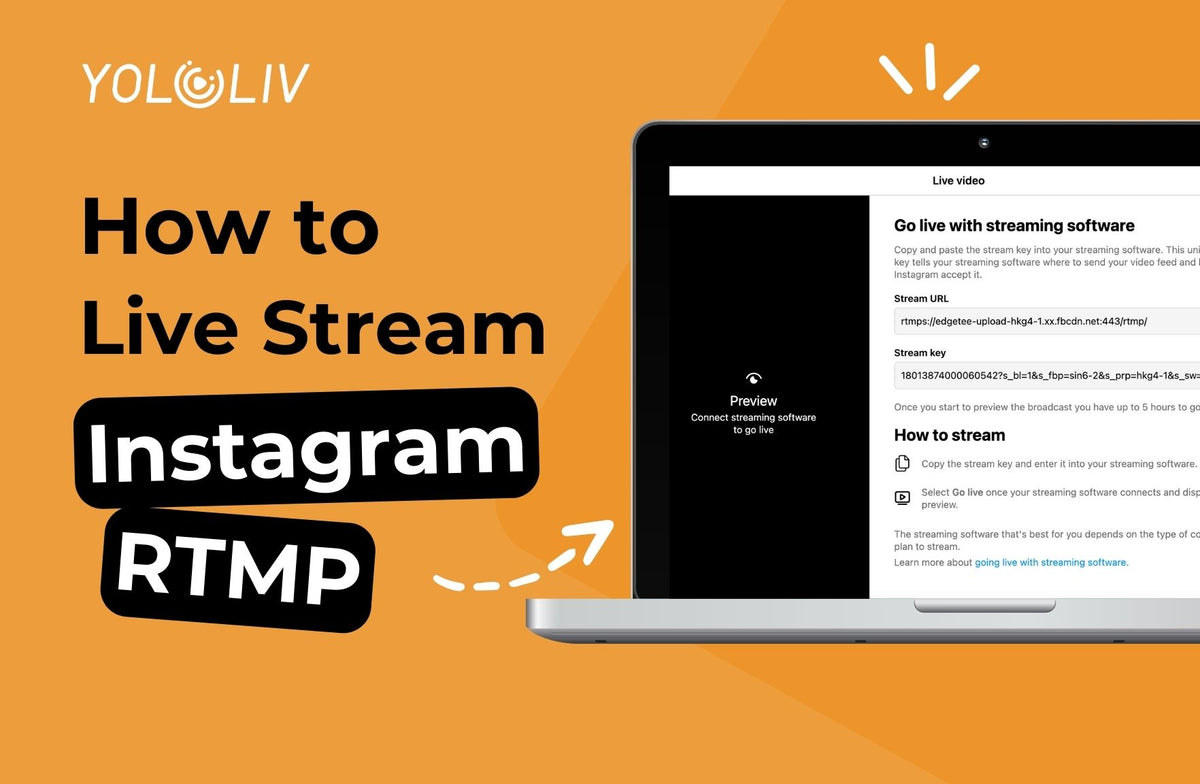
Exciting news for content creators and professionals: Instagram has rolled out an RTMP streaming feature. This feature is now accessible to all Instagram users. Let’s delve into this blog!
Change your account setting
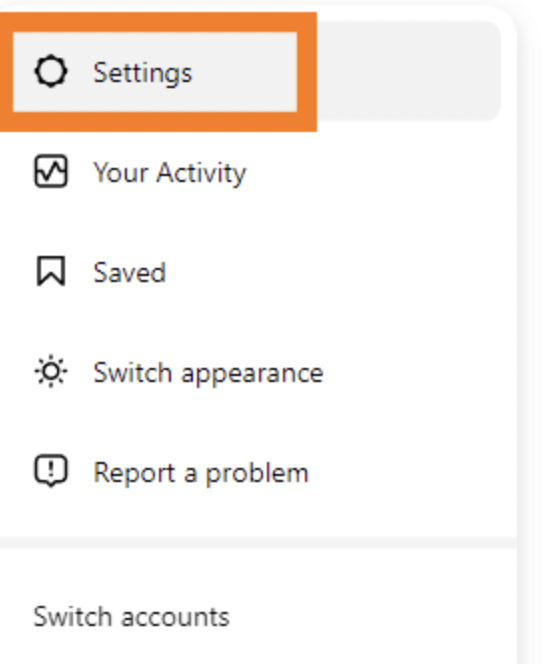
To get the RTMP, you need to first change your Instagram account to a professional account. You follow these steps to change your account status:
- Go to Instagram and log in.
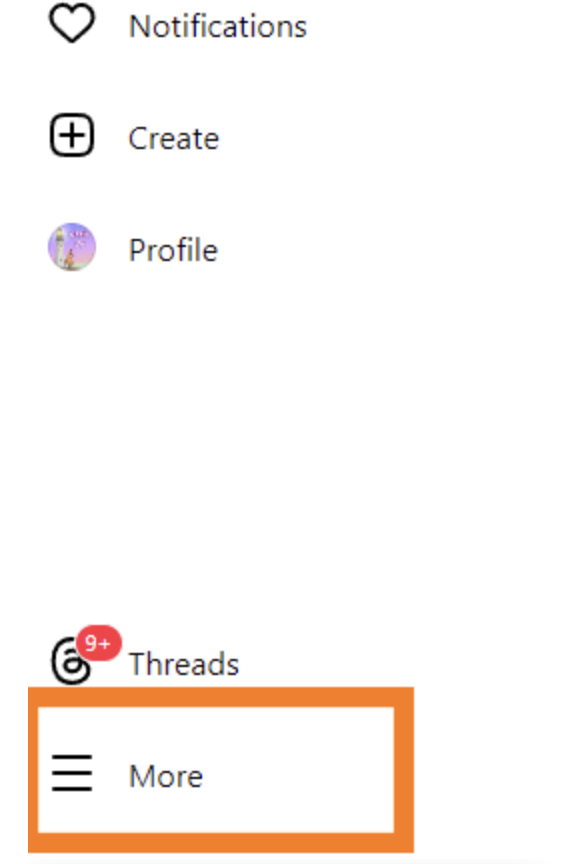
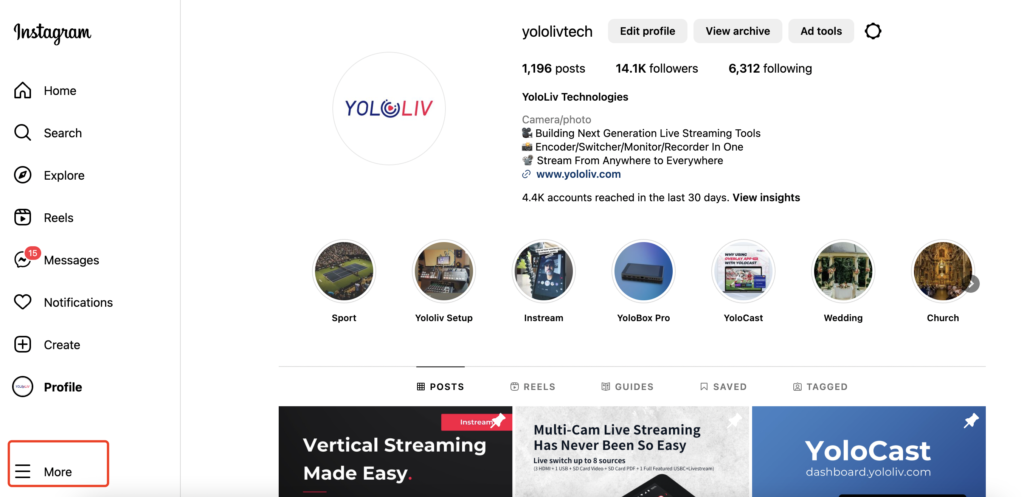
- To access the settings, click on the “More” button located at the bottom left corner of the screen.
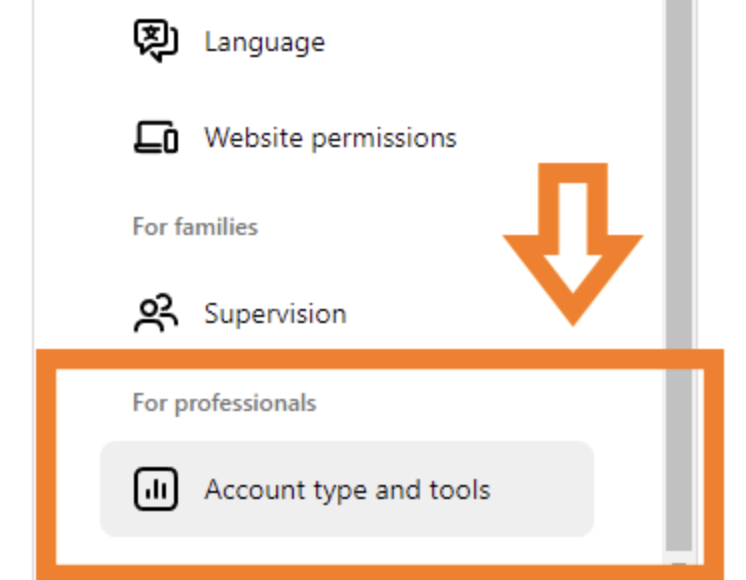
- Choose Account type and tools.
- Switch to professional account.
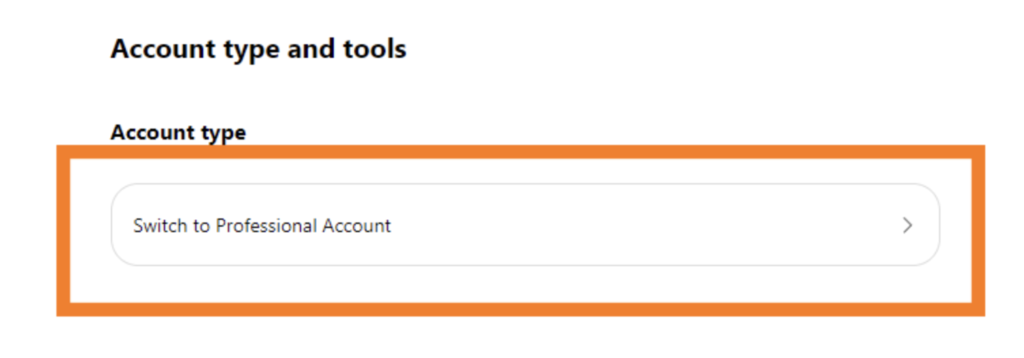
How to get RTMP
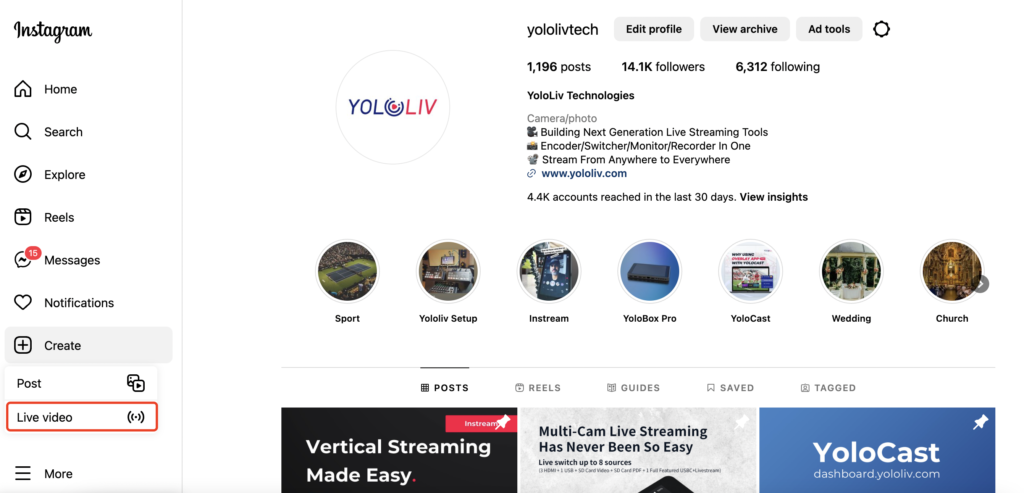
First, click More, and you’ll see Live Video.
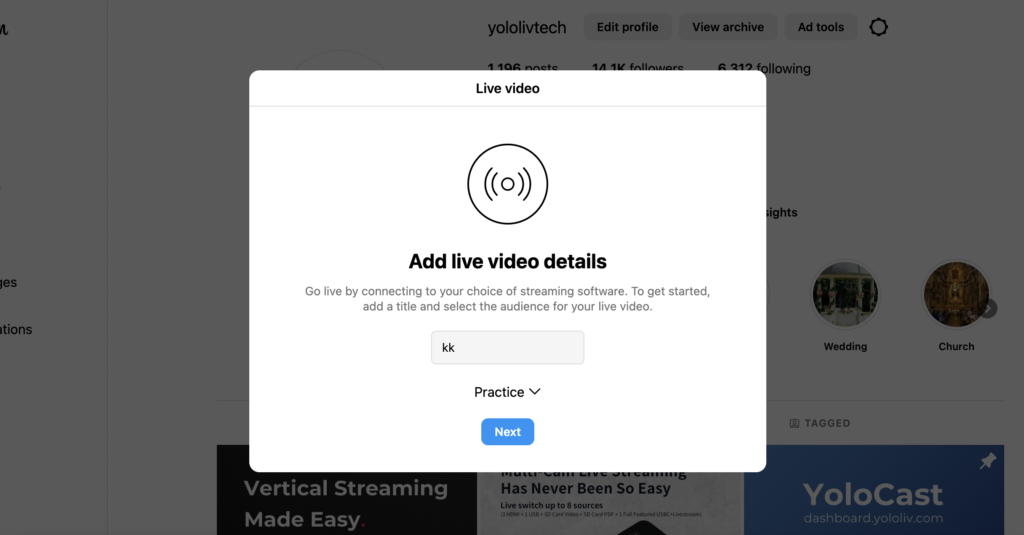
Second, you will need to add the live video details. Also, you can choose it public to everyone or just practice.
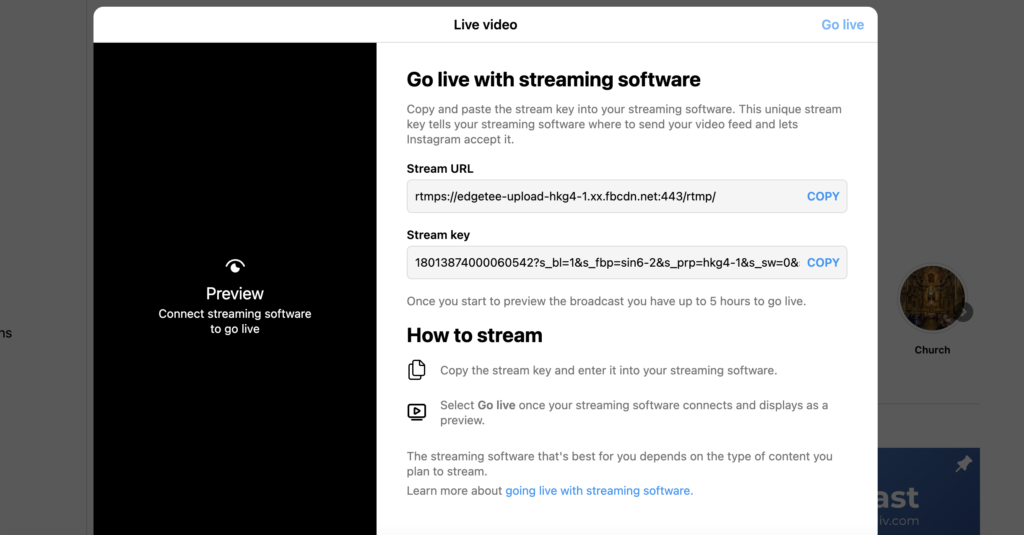
Then you’ll see the Stream Key of your livestream.
How to add RTMP to YoloBox
Please check out our previous blog about how to add RTMP to YoloBox.
Conclusion
By following the steps above, you can now livestream on Instagram using YoloBox. If you’re looking for an even simpler way to livestream on Instagram, you can check out our Instream. Happy streaming!

コメントを書く
全てのコメントは、掲載前にモデレートされます
このサイトはhCaptchaによって保護されており、hCaptchaプライバシーポリシーおよび利用規約が適用されます。